
You can save 3D scene settings and the camera position in a scene preset. This way you can quickly restore a specific camera angle and settings.
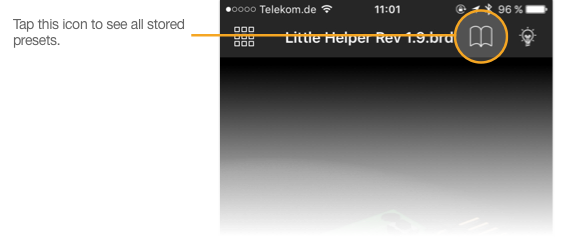
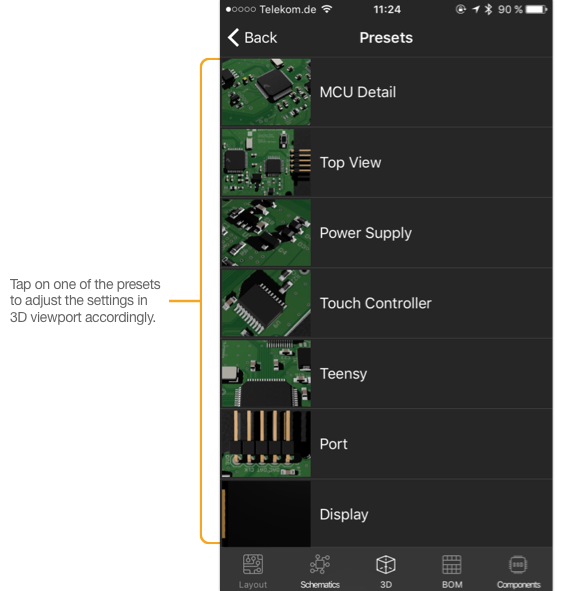
In 3D mode, tap on the scene settings icon ( ) to see a list of scene presets that you have stored before. You will be presented with a screen similar to this one (depends on how many presets are stored in the Copper settings file).
Please note: Restoring a preset overwrites all current adjustments. Make sure you save a preset if you like the current view before restoring another one.
Comments
0 comments
Please sign in to leave a comment.